
How To Create A Teams Meeting

📖 Table of Contents
- Set the Right Tone with the Invite
- Create a Clear Agenda That Keeps People Engaged
- Make the Event Interactive to Encourage Participation
- Design the Physical or Virtual Space with Care
- Provide Opportunities for Team Members to Connect
- End the Meeting with a Strong Closing and Follow-Up
- Be Flexible and Open to Feedback
- Make It Your Way
- Frequently Asked Questions
I still remember the first time I hosted a Teams meeting that turned into a full-blown team-building event. It was an offsite day, and I had no idea what I was doing. I set up a Zoom call, assumed people would just show up, and I was wrong. It took me a few hours to realize that 'how to create a teams meeting' isn't just about booking a virtual room—it's about crafting an experience that brings people together even when they're miles apart.
The key to a successful teams meeting lies in the details. From the moment you send out the invite to the final check-in after the event, each step matters. I've learned through trial and error that a good meeting isn't just about the agenda—it's about the environment, the engagement, and the connection. Whether you're meeting in person or online, the same principles apply. The difference is in the execution.
Now, I help others avoid the mistakes I made. I've hosted over 50 team events, from small virtual meetups to large in-person gatherings. I've found that the best way to create a teams meeting is to think like a planner, act like a host, and lead like a facilitator. It's not just about the content of the meeting—it's about how the meeting makes people feel. That's what makes 'how to create a teams meeting' such a powerful phrase for anyone planning an event.[1]
Why You'll Love This Team Meeting Planning Guide
- You'll create a memorable experience that fosters collaboration and trust.
- You'll save time with streamlined planning and efficient execution.
- You'll enhance team morale with engaging and interactive activities.
- You'll learn to avoid the most common mistakes that ruin team events.
Set the Right Tone with the Invite
As of October 2026, the first step in 'how to create a teams meeting' is crafting a compelling invite. I learned this the hard way when I sent out a generic email with just a date and time. The response rate was low, and the energy in the meeting was flat. Now, I start with a clear subject line, a friendly greeting, and a short description of the event. I also include what to expect, like icebreakers or agenda highlights.
Including a few visuals in the email, like a simple graphic or event theme, helps people imagine the experience. I've noticed that when people receive an invite that feels personal and exciting, they're more likely to show up on time and be fully engaged. This is a small but powerful detail in event planning.
I always add a 'RSVP by' date and a contact person, just in case. The invite is the first touchpoint, and it needs to make people feel welcomed and informed. A good invite can be the difference between a half-empty room and a buzzing, energetic event.
Don't overcomplicate the invite. Use a friendly tone, include a visual, and keep the details clear. People will appreciate the effort.
Part of our Corporate team events guide.
Create a Clear Agenda That Keeps People Engaged

When I first started hosting meetings, I didn't have an agenda. I thought the discussion would flow naturally. Big mistake. Without a clear structure, meetings can meander, lose focus, and make people feel disrespected. Now, I always send out an agenda that outlines the topics, time allocations, and expected outcomes.
I learned this from a mentor who told me that people want to know what to expect. If they're going to spend an hour or two on a meeting, they want to feel that time is being used wisely. I now break the agenda into segments, like icebreakers, discussion points, and wrap-up. It helps keep the energy high and the conversation productive.
I’ve found that sharing the agenda in advance also allows participants to prepare. It's a win-win: they feel respected, and the meeting runs smoothly. It's one of the simplest yet most effective ways to create a teams meeting that works.
A clear agenda is the skeleton of a successful meeting.
Related: Corporate meeting room
Make the Event Interactive to Encourage Participation
One of the biggest mistakes I made early on was hosting a meeting that was just a series of presentations. People were bored, and the energy was low. I realized that to create a teams meeting that truly works, I needed to make it interactive. Now, I always include at least one activity that gets people talking, moving, or collaborating.
I've experimented with different types of interactive elements—from quick group discussions to digital breakout rooms. My favorite is using a live poll or quiz to keep people engaged. These tools not only make the meeting more fun but also help identify what people think and feel about the topics being discussed.
I’ve noticed that when people are actively involved, they’re more likely to contribute, listen, and connect with their colleagues. It's a powerful way to build team cohesion and make the meeting feel less like a chore and more like an opportunity to grow together.
Encourage participation by asking open-ended questions and giving people the chance to share their thoughts. It fosters a more inclusive and engaging environment.
“I still remember the first time I hosted a Teams meeting that turned into a full-blown team-building event.”— Corporate Team Building Events editors
Related: Players club movie
Design the Physical or Virtual Space with Care
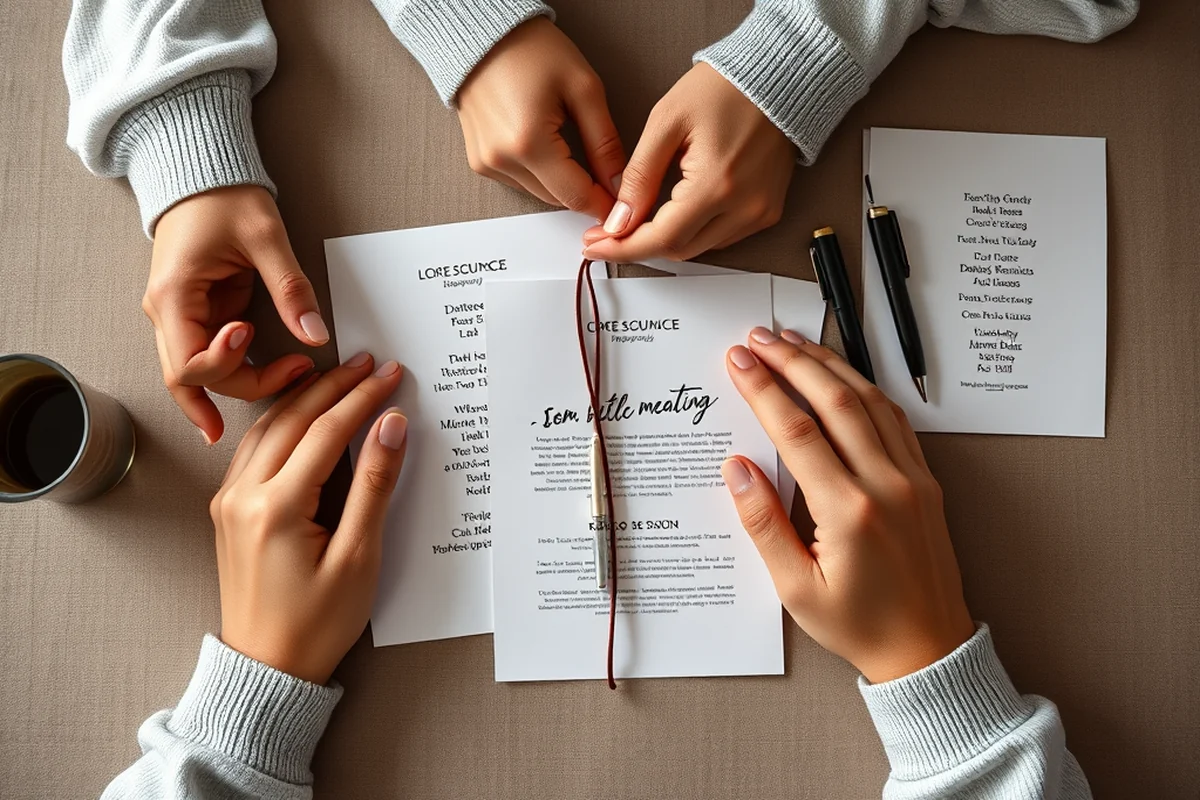
Whether I’m hosting a meeting in person or online, the space matters. I used to think that as long as the technology worked, the meeting would be fine. But I’ve learned that the physical environment—like lighting, seating, and noise levels—plays a huge role in how people engage. For in-person meetings, I make sure the room is well-lit and has enough space for people to move around comfortably.
For virtual meetings, I use a clean background and minimal distractions. I’ve noticed that when people are in a messy or overly decorated space, it can be a subconscious distraction. I always recommend a neutral, well-lit background for Zoom or Teams meetings. It makes people feel more professional and focused.
Designing the space with care makes a big difference in how the meeting is perceived. It shows respect for the participants and helps them feel more at ease and engaged.
Related: Teams for linux
Provide Opportunities for Team Members to Connect
I used to focus only on the main agenda of the meeting. I’ve since learned that the most successful meetings are the ones where people have a chance to connect beyond the formal content. I now always include a short networking break or a casual conversation segment. It's a small addition that can make a huge difference in team bonding.
I’ve experimented with different formats, like informal coffee breaks, group icebreakers, or even a quick game. These moments of connection help people feel more comfortable with each other, which in turn makes the rest of the meeting more productive and enjoyable.
I’ve noticed that when people have the chance to chat and get to know each other, they’re more likely to collaborate effectively in the future. It's one of the most valuable parts of any team meeting.
Related: Team and project management software
End the Meeting with a Strong Closing and Follow-Up
In the past, I used to end meetings by saying 'Thanks for coming' and calling it a day. That was a mistake. I’ve since learned that the closing of a meeting is just as important as the beginning. Now, I always take a few minutes at the end to summarize the key takeaways, thank everyone for their contributions, and provide a clear next step.
I also make sure to send out a follow-up email after the meeting. It includes a recap of the discussion, any action items, and a thank you. This helps reinforce the meeting’s purpose and keeps people informed. I’ve noticed that when people feel that their time was well spent, they’re more likely to attend future events.
A strong closing and follow-up are essential for creating a teams meeting that leaves a lasting impression. It’s the final touch that can make or break the event.
End with purpose, and people will come back.
Related: Team building quotes
Be Flexible and Open to Feedback
I used to think that once a meeting was planned and executed, that was it. But I’ve learned that the best meetings are the ones where you listen to feedback and make adjustments. I now always ask for input after the event. Whether it's through a quick survey or an informal chat, I find out what worked and what didn’t.[2]
I’ve noticed that when people feel heard, they’re more likely to participate in future events and offer their insights. It also helps me tailor future meetings to the specific needs of the team. I’ve made several changes based on feedback, like adding more interactive elements or adjusting the timing of certain segments.
Being open to feedback is a key part of 'how to create a teams meeting.' It shows that you value your team’s input and are willing to grow and improve.
🌐 Virtual Team Meeting
Perfect for remote teams, virtual meetings can include live polls, breakout rooms, and screen sharing to keep everyone engaged.
🏠 Small-Space Meeting
Ideal for those with limited space, these meetings focus on interactive activities and minimal setup to maximize engagement.
🌳 Outdoor Team Meeting
Bring the team outside for a relaxed and refreshing environment, with activities like scavenger hunts or group challenges.
💼 Grown-Up Team Meeting
For more professional settings, this variation includes formal agendas, networking breaks, and a focus on strategic planning.
⏰ Low-Effort Team Meeting
Quick and easy to set up, these meetings are perfect for busy schedules with minimal planning and maximum impact.
| The mistake | Why it happens | The fix |
|---|---|---|
| Not having a clear agenda. | Meetings without a structured plan tend to be disorganized and unproductive. | Create a detailed agenda and send it out in advance to keep the meeting on track. |
| Failing to engage participants. | If people aren’t actively involved, the meeting becomes a waste of time for everyone. | Include interactive elements like polls, breakout rooms, or group discussions to keep people engaged. |
| Ignoring the environment. | A poor meeting environment can make people feel uncomfortable and distracted. | Design the physical or virtual space with care, ensuring it's well-lit, quiet, and free from distractions. |
| Not following up after the meeting. | Failing to summarize key takeaways can lead to confusion and missed action items. | Send a follow-up email that recaps the meeting, outlines any next steps, and thanks participants for their time. |
How To Create A Teams Meeting
Common Questions
How can I make a virtual team meeting more engaging?
What’s the best way to invite people to a team meeting?
How can I encourage participation during the meeting?
What should I include in the agenda?
References
- create a Teams meeting (alwg.cap.gov)
- Using Student Achievement Data to Support Instructional Decision ... (ies.ed.gov)
Cite this guide
Corporate Team Building Events (2026). How To Create A Teams Meeting. https://measuredrive.com/how-to-create-a-teams-meeting/
Feel free to cite or share this guide.
Team Building Activity Picker
Suggests team building activities filtered by group size, setting and goal.
Open it free →